
Inspire™ remote
Control your therapy from the palm of your hand
Inspire® therapy has been designed to make your sleep routine simple and easy to manage.
After your appointment to turn on Inspire therapy, you will use the Inspire remote to turn your therapy on and off, pause it, and adjust therapy levels.
View the Inspire Remote Quick guide (PDF) for information on how to use your remote.
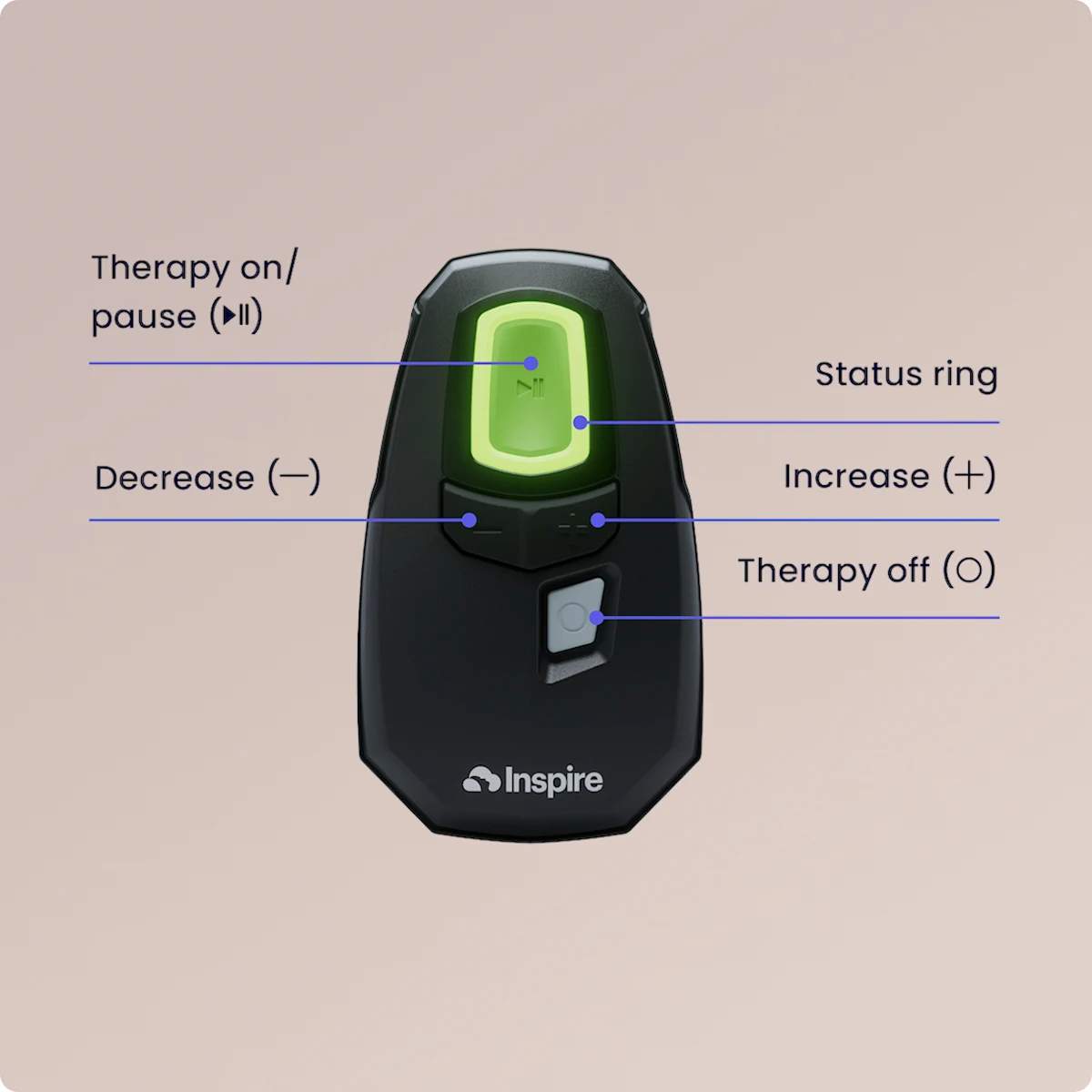
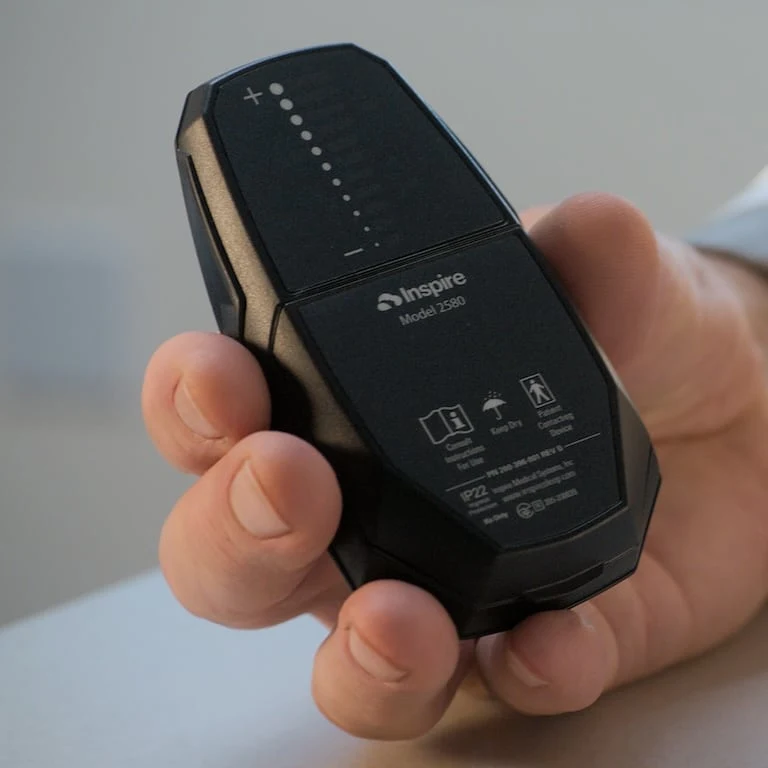
Learning Your Inspire remote
Watch this video to understand how to use your remote to control your therapy.
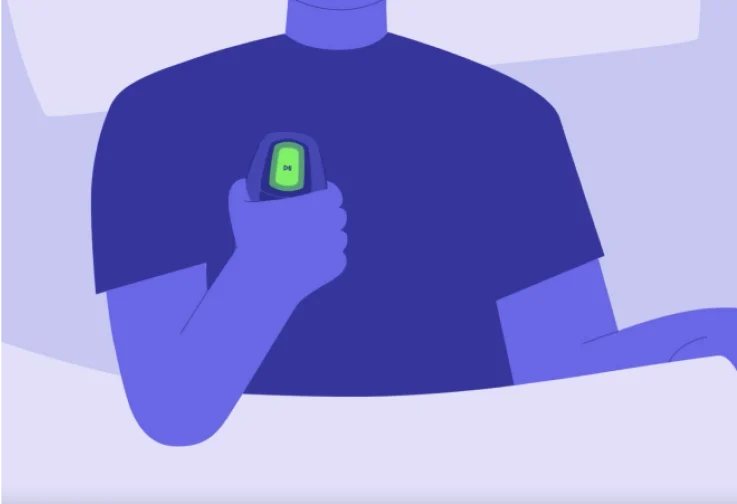
User-Friendly System
Through a simple-to-use system including the Inspire implant, remote, and app, Inspire therapy enables you to control your obstructive sleep apnea (OSA) from the palm of your hand.
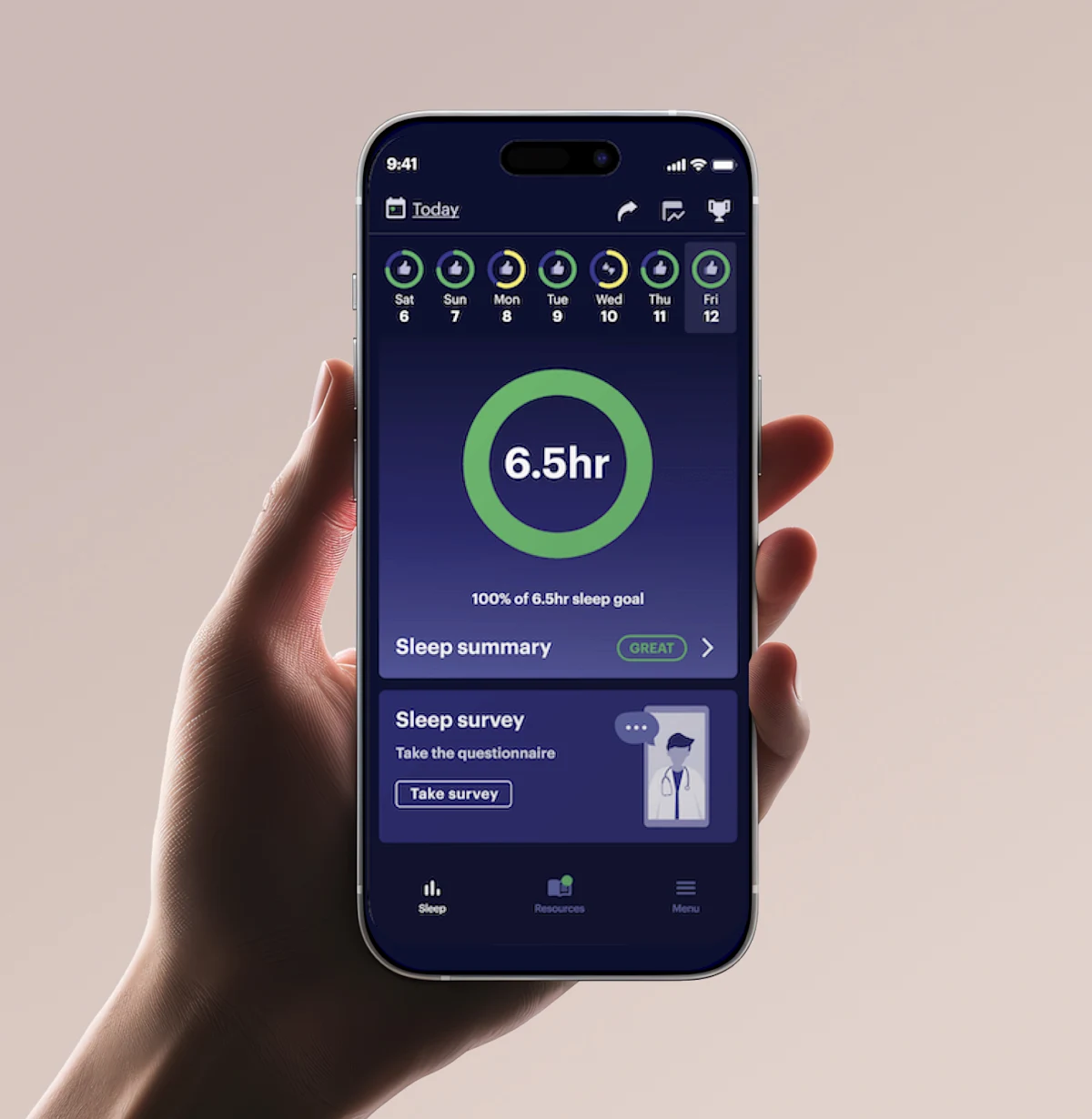
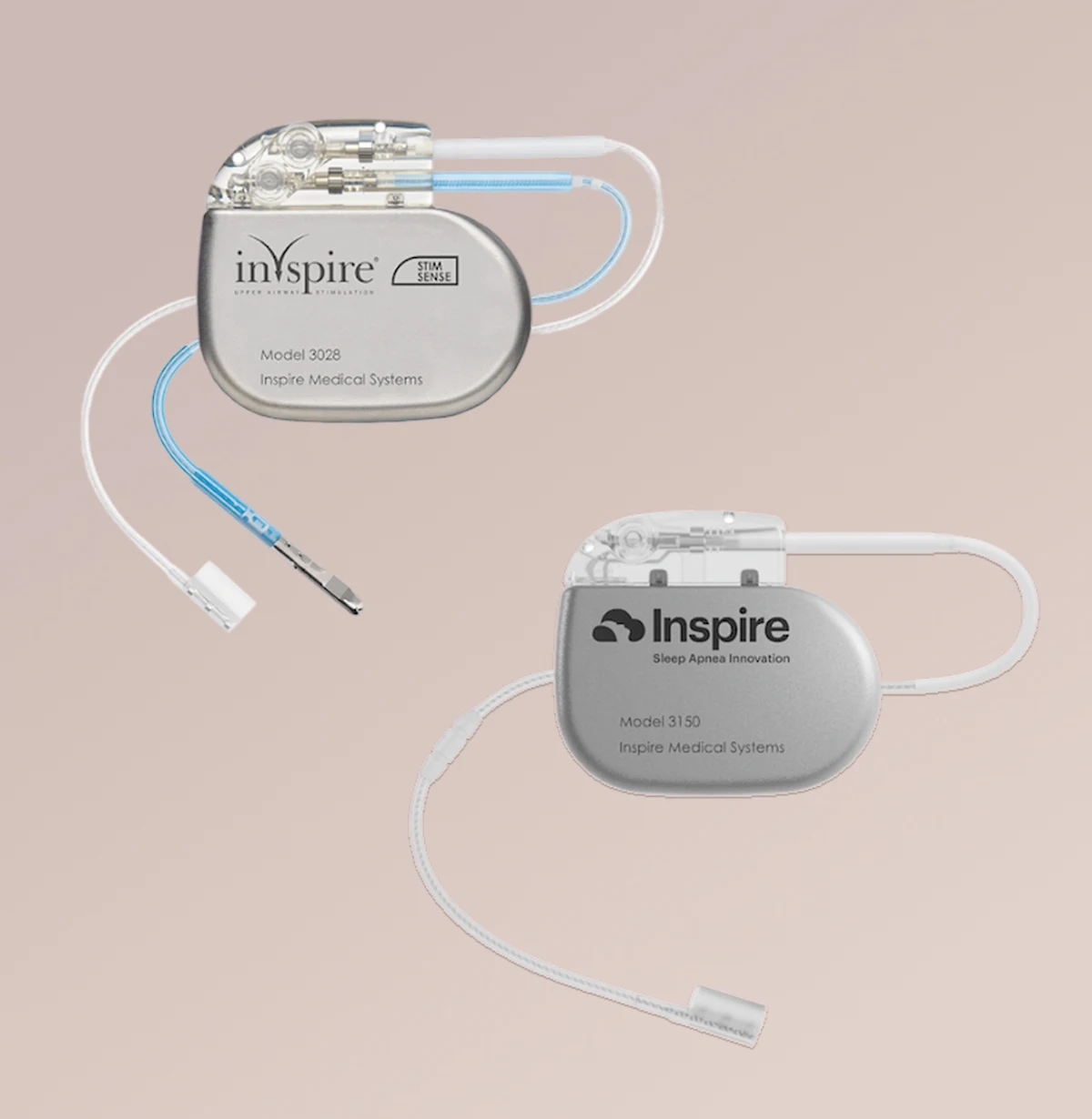

The Inspire® implant
The Inspire implant keeps your airway open while you sleep, so you can breathe regularly and sleep soundly.
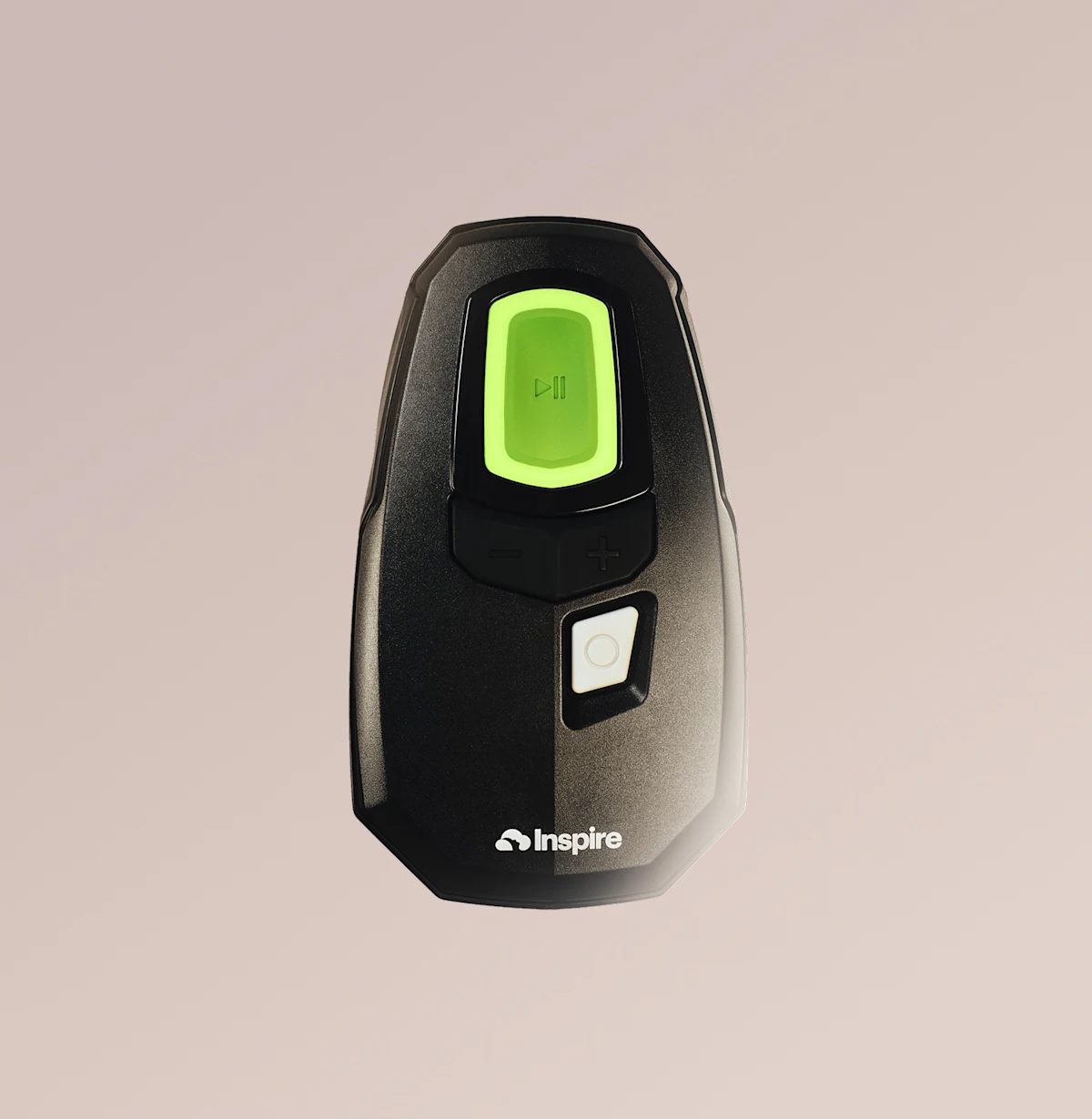
The Inspire™ remote
The Inspire remote simply turns on your therapy when you’re ready to sleep. No mask or hose required.
The Inspire® app
The Inspire app tracks your sleep goals and allows you to share data directly with your provider.
Note: Device imagery on the website portrays the Inspire V (five) implant. If you are curious about which Inspire implant version you have, refer to your implant ID card, contact Patient Services at 844-672-6720, or email [email protected].
Common Questions
How do I change my settings?
How do I connect my remote to my implant?
How do I connect my remote to my app?
How do I know my therapy is on?
How can I replace remote batteries?
Can I order a new remote?
My remote it not working. Now what?
Are You Ready?
Find out if Inspire® therapy may be right for you.
The following questions will ask for personal and health-related information. View our Privacy Policy.