It's time to download the app!
Let's get you started with the Inspire® app before your follow-up appointment, so you are prepared to turn on your Inspire® therapy.
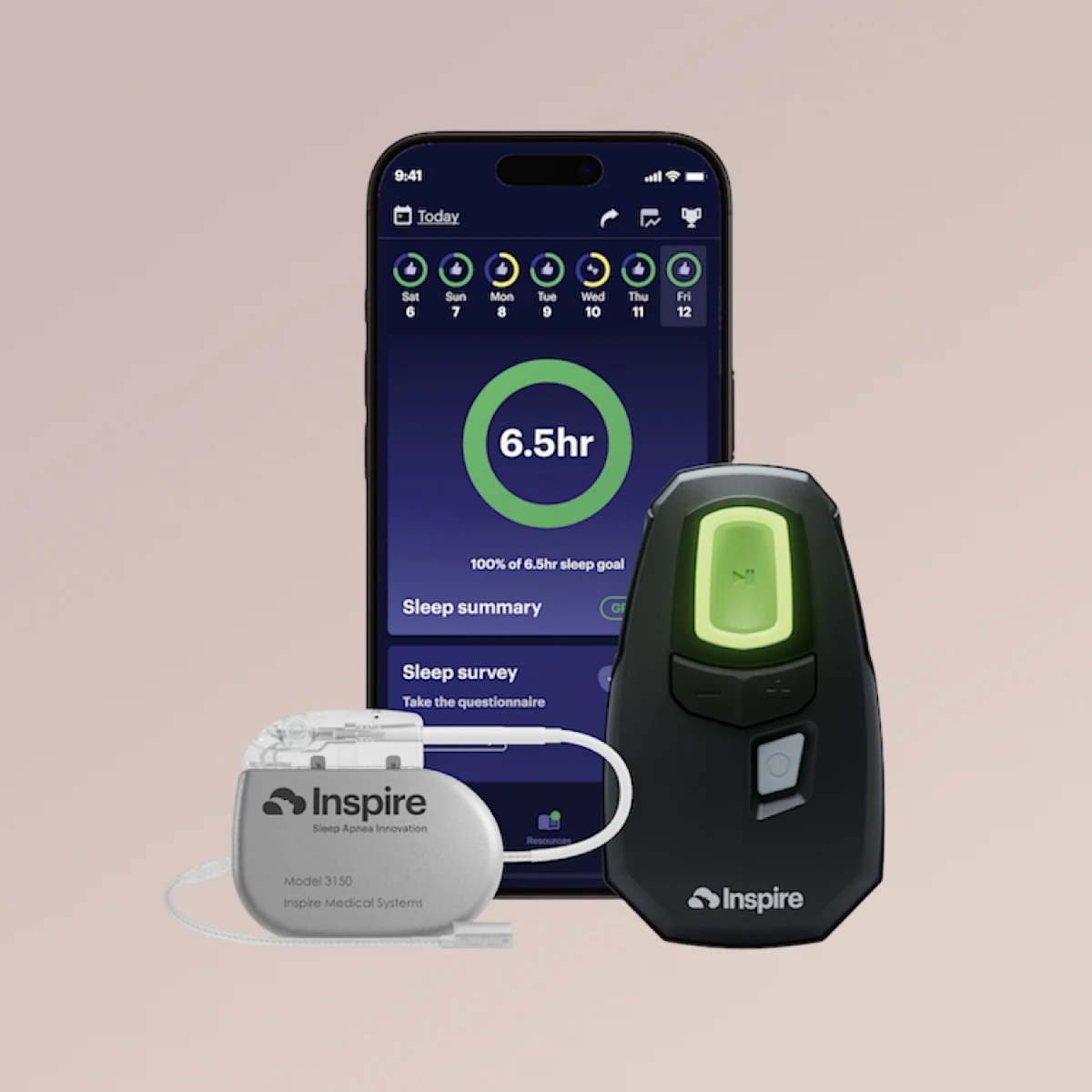
After successful setup, the Inspire app is an effective way to:
Visually see that your therapy is working night after night.
Allow your Inspire-trained provider to access and review your therapy usage data when needed.
Let's get started!
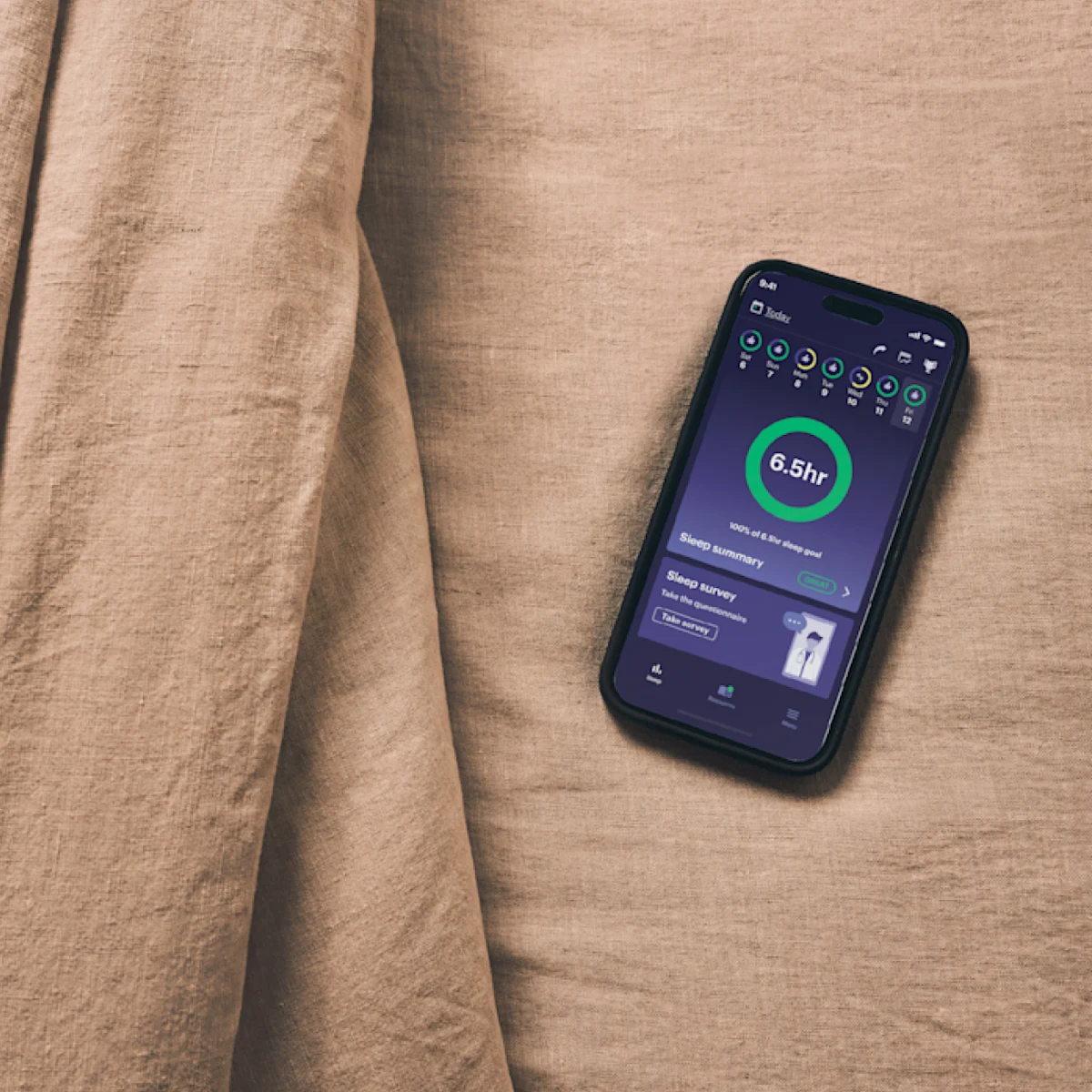
You will need your Apple ID or Google Play password to download the Inspire app.
Forgot your Apple ID or Google Play password?
Step 1: Download the App
If you have already downloaded the app, skip and go to step 2.
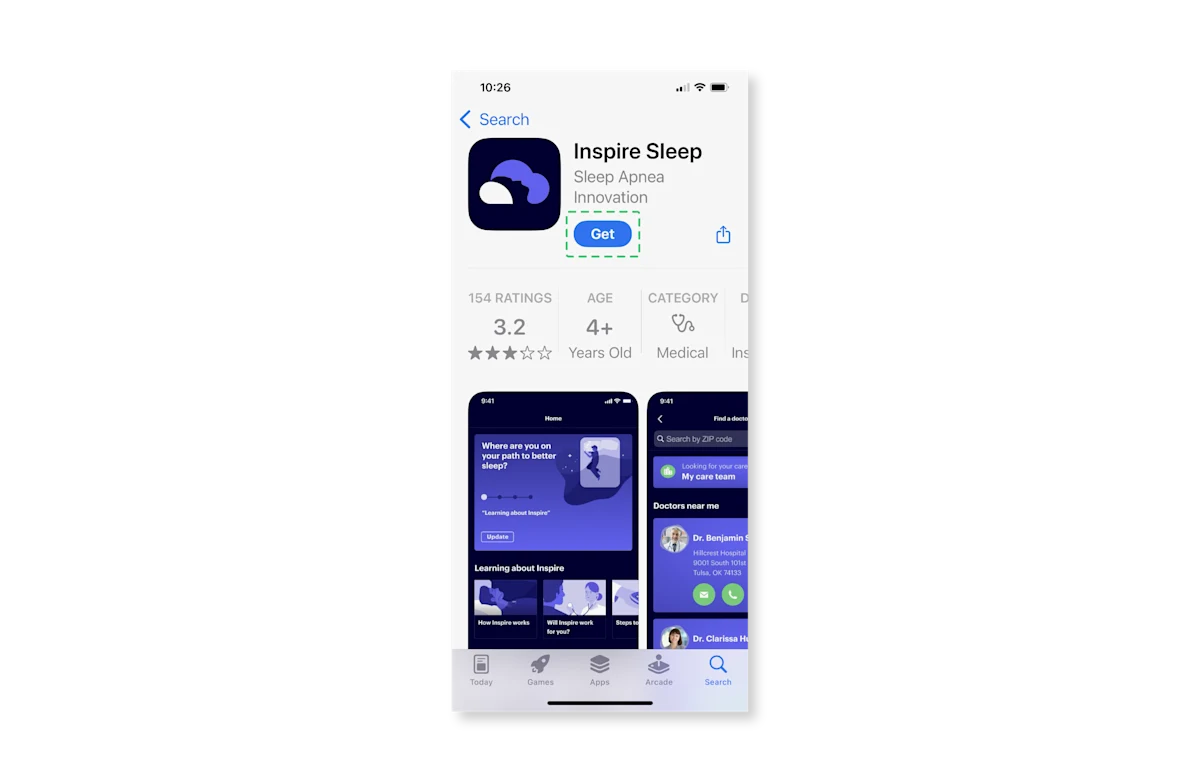
Open the App Store on your mobile device and search for "Inspire Sleep"
Tap the "Get" or "Install" button next to the Inspire Sleep app to download the app.
It's unlikely, but if the download buttons are not available to you, your phone may not be compatible with the Inspire app. Contact Inspire Patient Services at 844-672-6720, or email [email protected].
Step 2: Create an Account
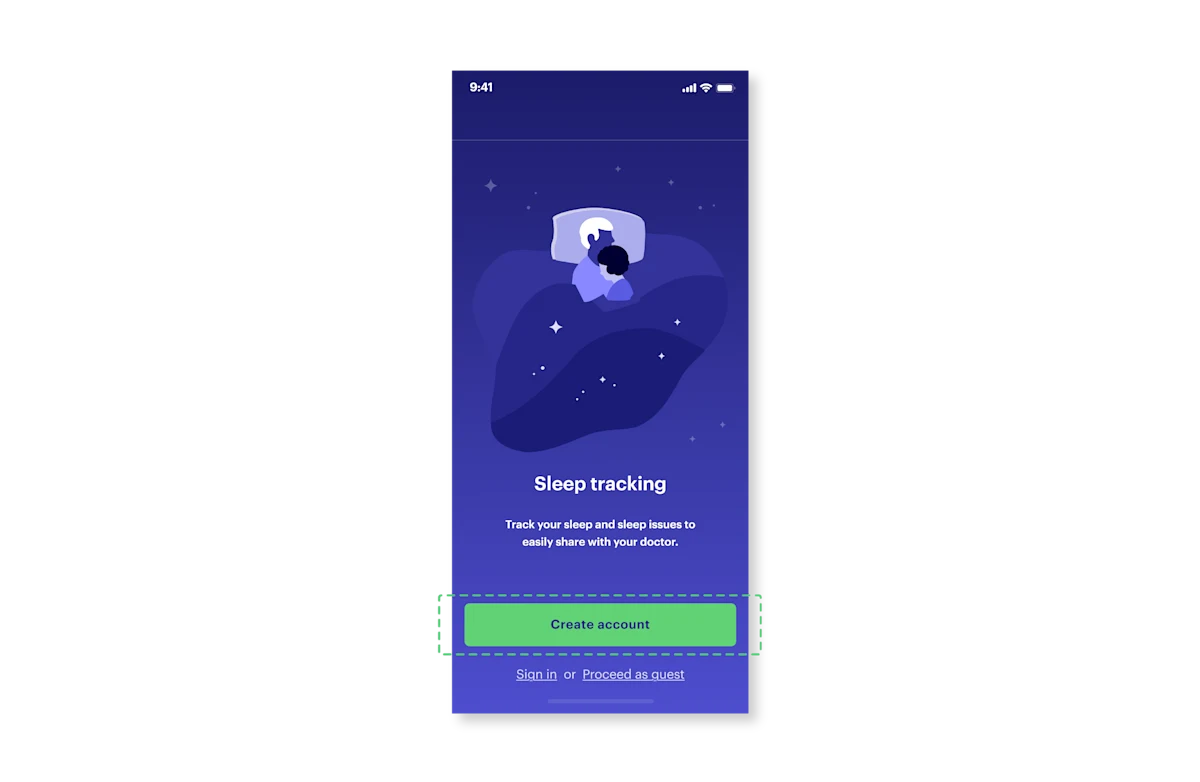
Open the Inspire app and select “Create account.”
Follow the guided steps within the app to set up an account. If you received an email to download the app, use that same email address. If you did not receive an email to download the app, you can use your primary email address.
Step 3: Connect to Your Provider
For your provider to access and review your therapy usage data, you must connect the app to your provider’s practice.
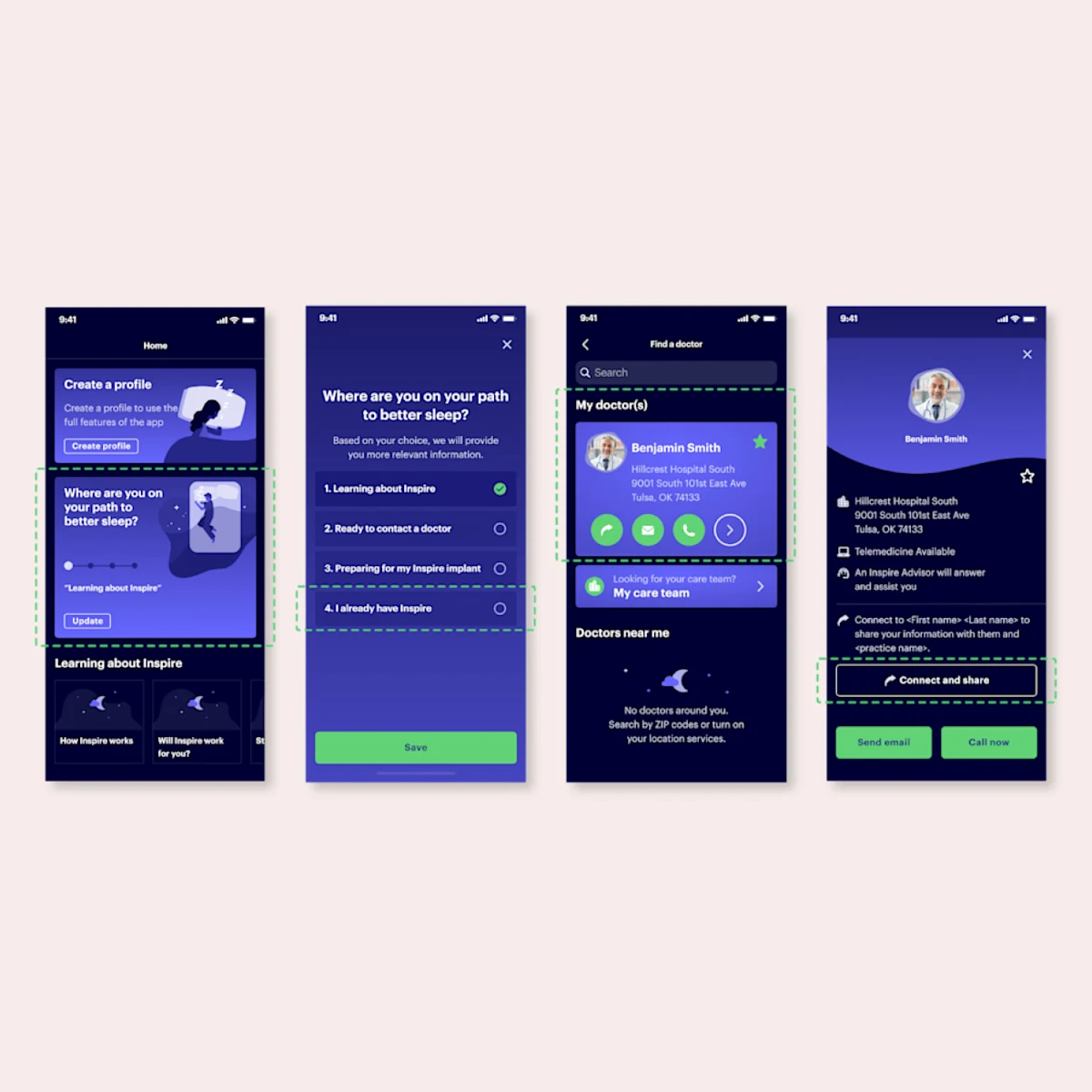
Before you connect with your provider, you need to update where you are on your path to better sleep in the app. On the home page, select “Where are you on your path to better sleep” and update accordingly.
Note: If this is not updated, your provider will not show up on connect and share.
In the Inspire app, select the “Menu” icon in the bottom right corner, then select “Find a provider.” If you turn on location services for your Inspire app, providers near you will display. Otherwise, type your provider’s name in the search field.
When you find your provider's card, tap on it to open the provider’s profile.
Click “Connect and share”. After your provider accepts your connection request, the connection will be displayed in “My care team” on the Menu tab. Response time can vary for each provider.
If you don’t see “Connect and share” on your provider’s profile, their practice isn’t set up for connection requests. Your provider can send you a request to connect directly to the app during your appointment to turn on Inspire therapy.
Step 4: Connect your Inspire™ remote
Under “Menu”, select “My devices”, then select “Add a new device.” You can also select “Connect remote” from the home page.
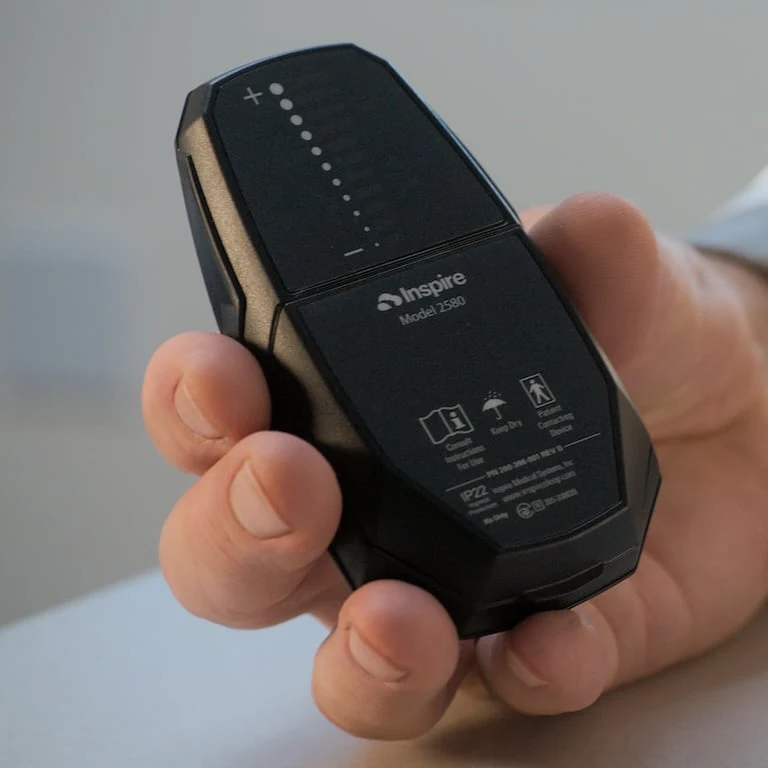
Follow the guided steps within the app to pair your compatible 2580 Inspire remote.
Note: You will need Bluetooth and Wi-Fi or cellular data to connect your app and remote.
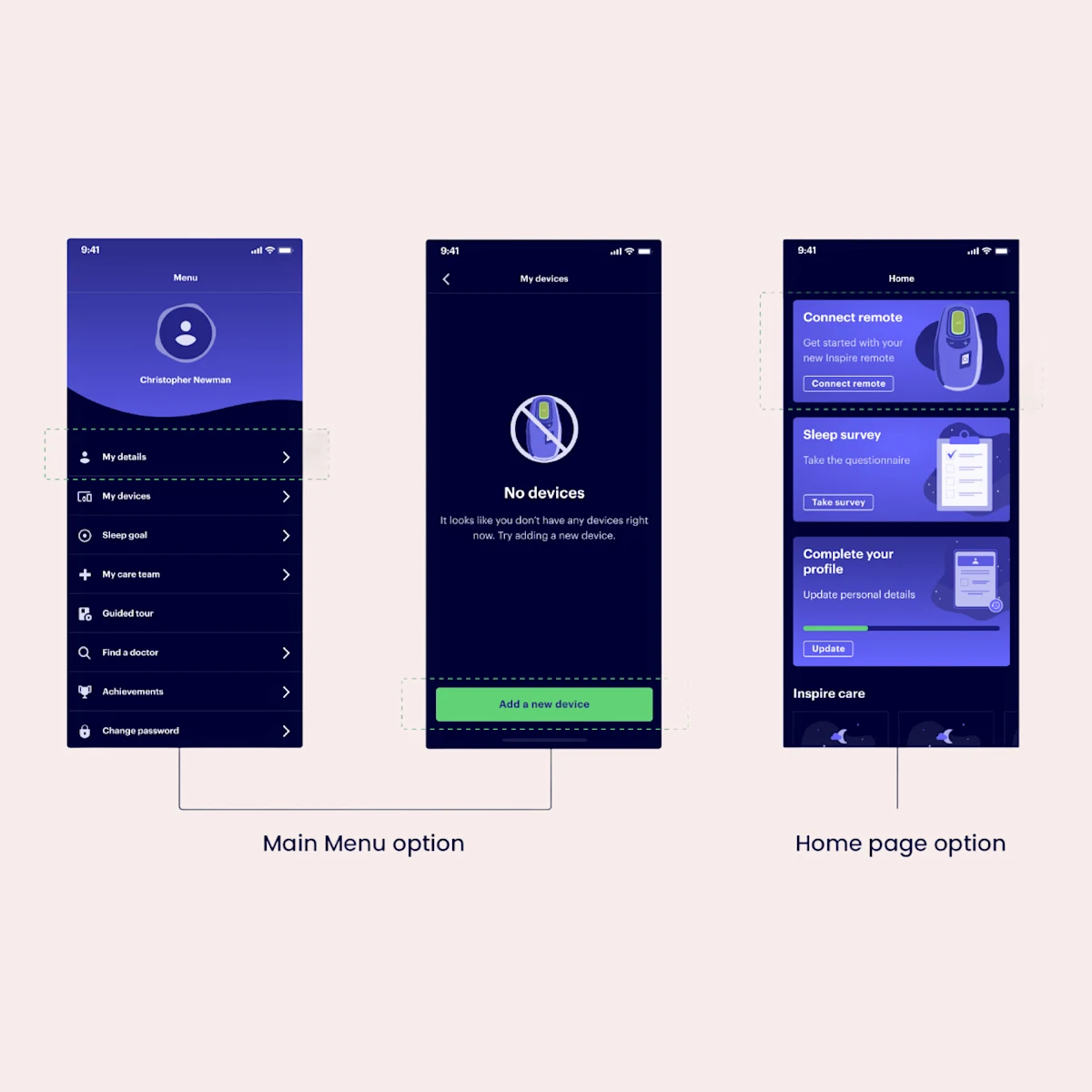
Watch how to connect your Inspire remote to the app
Complete!
Once all above steps are completed successfully you are ready for your follow up appointment to turn on Inspire therapy.
Watch this video to learn what to expect at your appointment.
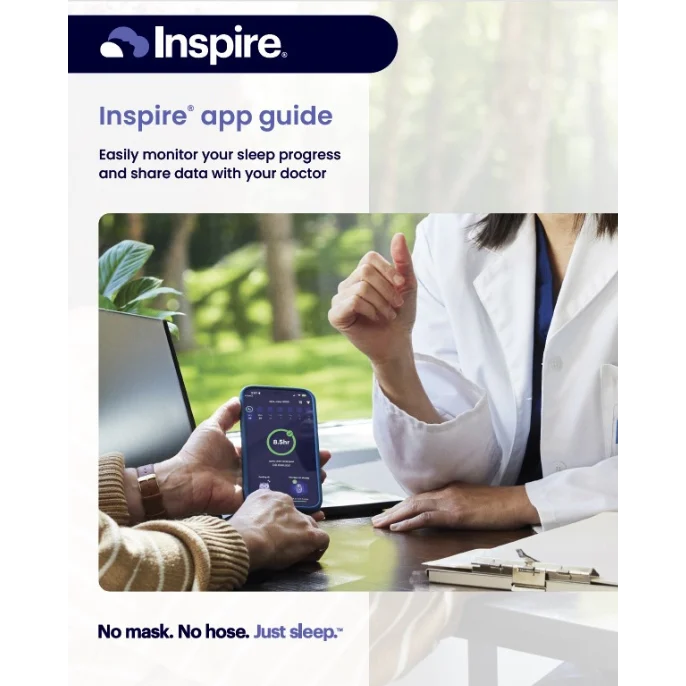
Download the App Guide
Discover how to make the best use of your Inspire app from the initial setup to monitoring your sleep performance. See tips and resources that will empower your journey to better sleep.1
1 Woodson BT, Strohl KP, Soose RJ, et al. Upper Airway Stimulation for Obstructive Sleep Apnea: 5-Year Outcomes. Otolaryngology Head Neck Surgery 2018; 159(1):194-202
Frequently Asked Questions
Your initial Inspire remote and app pairing should be completed prior to your appointment to turn on Inspire therapy through the guided steps mentioned above in step 4. If you're having trouble reconnecting your Inspire remote to your Inspire app, follow these steps:
Refer to the Inspire app manual:
For detailed instructions, navigate to the Connecting Your Sleep Remote section of the Inspire Sleep App manual. Visit the Inspire app manualAdditional help:
If you continue to experience issues reconnecting, please consult Troubleshooting section of the Inspire Sleep App manual for step-by-step instructions.
Contact Patient Services: If you are still having trouble reconnecting, contact Patient Services at 844-672-6720.
While you may be able to download the Inspire app on a tablet or iPad, the Inspire app is not optimized for tablets or iPads. For a better in-app experience, download the Inspire app on a mobile device compatible with software updates for iPhone iOS 15 or newer and Android 9 or newer.
When an app “runs in the background” on your phone, this means that it is not actively in use but can still perform certain activities, like uploading and sharing therapy data with your provider. If the app is completely closed or logged out (by swiping up and closing the app screen) therapy data will not successfully upload and share with your provider.
Keeping your data current helps your healthcare provider confirm you’re using therapy.
Please note, you are able to use your phone regularly while the Inspire app is running in the background.
Are You Ready?
Find out if Inspire® therapy may be right for you.
The following questions will ask for personal and health-related information. View our Privacy Policy.